



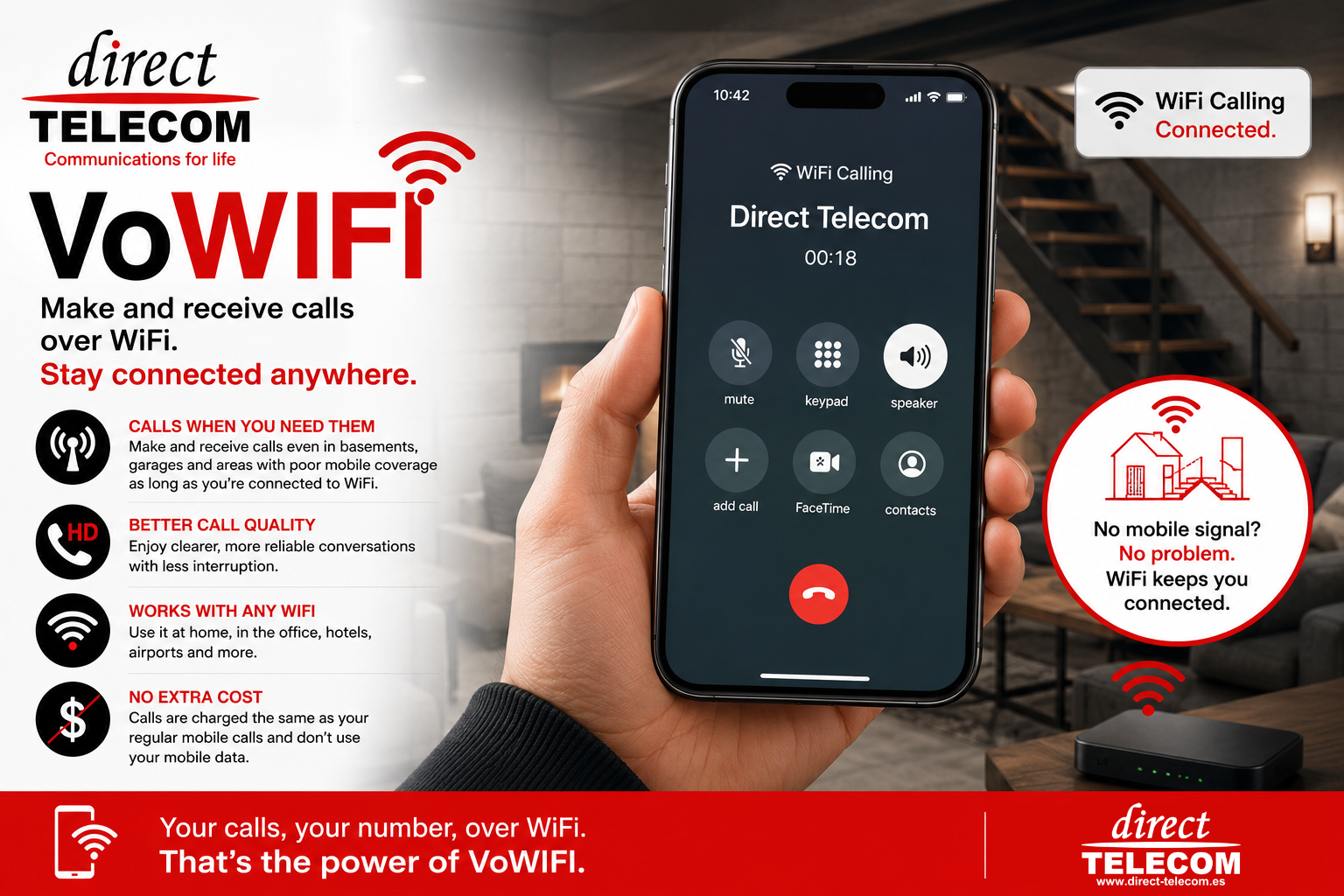
Never Miss a Call Again: How Direct Telecom’s VoWiFi Service Keeps You Connected Anywhere
Have you ever walked into a basement, underground garage, warehouse, or even a room deep inside a building, only to discover that your mobile signal has completely disappeared?
It’s a frustrating experience. You need to make an important call, receive a verification code, or stay available for customers, but your phone suddenly becomes useless because there’s no mobile coverage.
Fortunately, Direct Telecom’s mobile service supports VoWiFi (Voice over WiFi), a feature that can solve this problem and keep you connected even when traditional mobile coverage isn’t available.
What Is VoWiFi?
VoWiFi, short for Voice over WiFi, allows your smartphone to make and receive normal phone calls using a WiFi connection instead of relying solely on nearby mobile towers.
The best part? You continue using your normal phone number, your standard dialler app, and your existing mobile plan. There is no separate application to install and no complicated setup process.
Imagine This…
You’re working in a basement office.
Your phone shows “No Service” because the mobile signal can’t penetrate the concrete walls.
Normally, this would mean:
– Missed calls
– Missed business opportunities
– Difficulty contacting family, friends, or colleagues
But if your smartphone is connected to a WiFi network and VoWiFi is enabled, your phone can continue to make and receive calls just as if you had full mobile coverage.
In fact, callers won’t notice any difference.
To them, you’re simply answering your phone as normal.
Perfect for Areas with Poor Mobile Coverage
VoWiFi is especially useful in locations where mobile signals struggle to reach:
– Basements
– Underground car parks
– Warehouses
– Large office buildings
– Apartment blocks
– Hotels
– Shopping centres
– Rural properties with weak signal coverage
As long as your phone is connected to a stable WiFi network, Direct Telecom’s VoWiFi service can help keep you connected.
Better Call Quality Too
VoWiFi isn’t just about coverage.
Many users notice clearer voice quality, fewer interruptions, and more reliable conversations when connected to a strong WiFi network. This can be particularly beneficial in busy indoor environments where mobile signals are weak or congested.
No Extra Apps Required
One of the biggest advantages of VoWiFi is its simplicity.
Unlike internet calling applications, VoWiFi works directly through your phone’s built-in calling system. You simply dial numbers as normal, and incoming calls arrive exactly as they always have.
The person you’re calling doesn’t need any special app, WiFi connection, or VoWiFi capability on their side.
How to Enable VoWiFi
Your Direct Telecom Mobile SIM already has VoWIFI support enabled.
Most modern smartphones support VoWiFi, but the feature is often disabled by default.
To use it, you will usually need to manually enable the option in your phone’s settings.
Depending on your device, look for settings such as:
– WiFi Calling
– Calls over WiFi
– Allow Calls Over WiFi
– WiFi Calling Preferred
On iPhone
1. Open Settings
2. Tap Phone
3. Tap Wi-Fi Calling
4. Enable Wi-Fi Calling on This iPhone
On Android
1. Open Settings
2. Select Network & Internet or Connections
3. Tap Mobile Network
4. Enable WiFi Calling or Calls over WiFi
Menu names may vary slightly depending on the manufacturer and Android version.
Device Compatibility
VoWiFi requires:
– A smartphone that supports VoWiFi (WiFi Calling)
– VoLTE enabled on the device
– A working WiFi connection
– Direct Telecom mobile service with VoWiFi support enabled (which it already is).
Most modern iPhone, Samsung Galaxy, Google Pixel, Xiaomi, Oppo, Motorola, and other recent smartphones support this feature.
Stay Connected Wherever You Are
Mobile coverage isn’t always perfect. Buildings, underground locations, and remote areas can all create signal challenges.
With Direct Telecom’s VoWiFi support, your smartphone can continue working even when traditional mobile coverage is weak or unavailable. Simply connect to WiFi, enable WiFi Calling, and enjoy the freedom of making and receiving calls almost anywhere.
Whether you’re in a basement office, an underground garage, or a building where mobile signals struggle to reach, VoWiFi helps ensure that important calls never have to be missed.